NouveauAmélioré
November in Kutto: AI tools in the editor, Spy with breakdowns and app 1.4
We haven't shared news in a while, and a lot has piled up over the last two weeks. Here is the main part in one post.
Clip editor: AI right on a piece
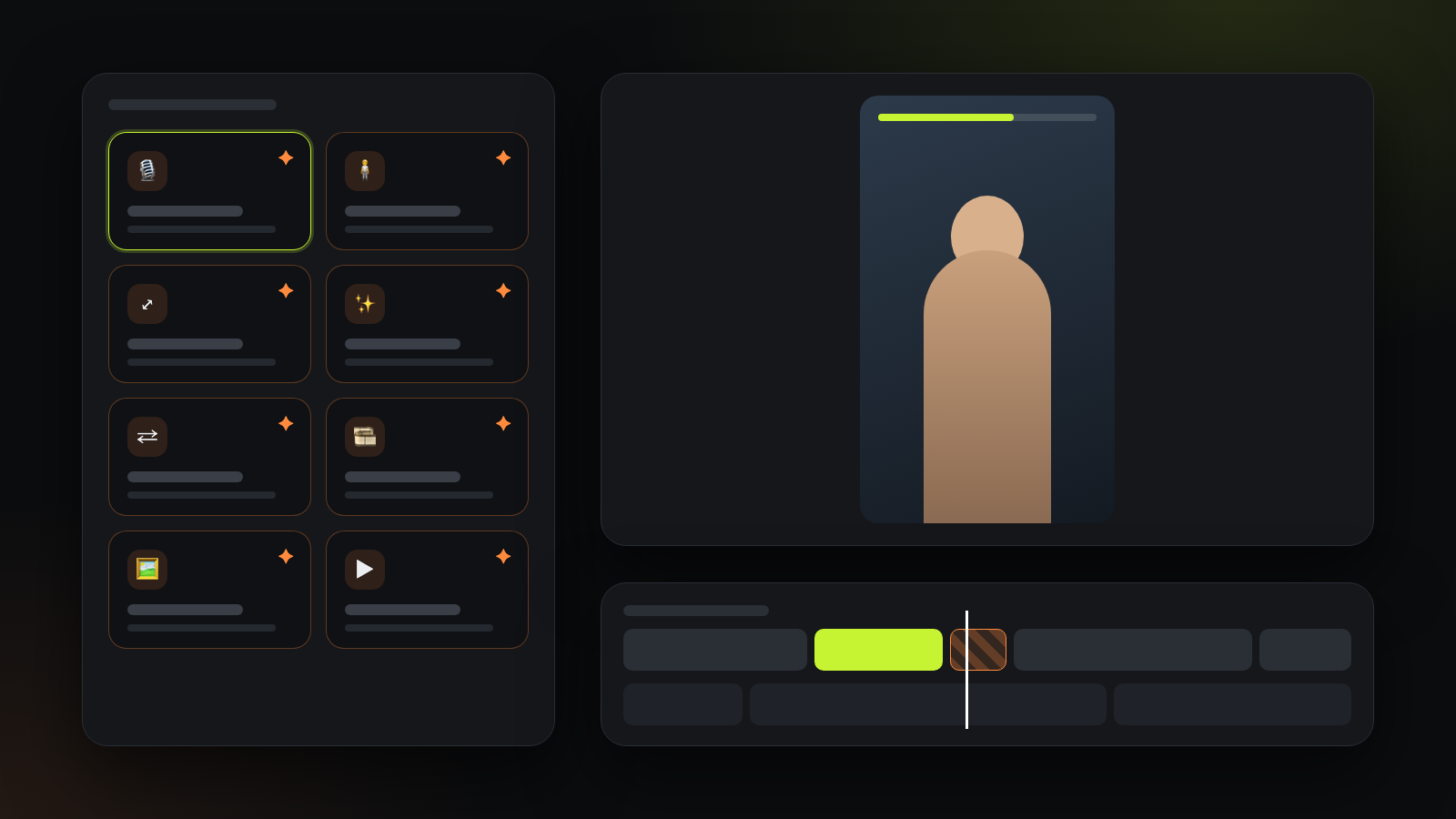
- The left side of the editor now holds AI tools as cards. Pick a piece of the clip and run the tool you need; the price shows on the button before you start.
- Clean audio removes noise and echo, and in "Voice only" mode removes the music too.
- Background swap puts a blur or a colour behind the person. Chroma key removes a green or blue screen.
- Expand background: for a wide video, AI continues the scene above and below, so you no longer need a blurred copy of the frame.
- Upscale makes the frame sharper, up to 1080p or 4K.
- AI transition draws a transition between two pieces. B-roll picks stock shots that match what is being said. AI image and AI video are made from your description on top of the clip.
- Every piece now has colour, filters and flip. You can also add a progress bar and typewriter text.
- The preview plays smoother and more precisely, Safari included.
Studio
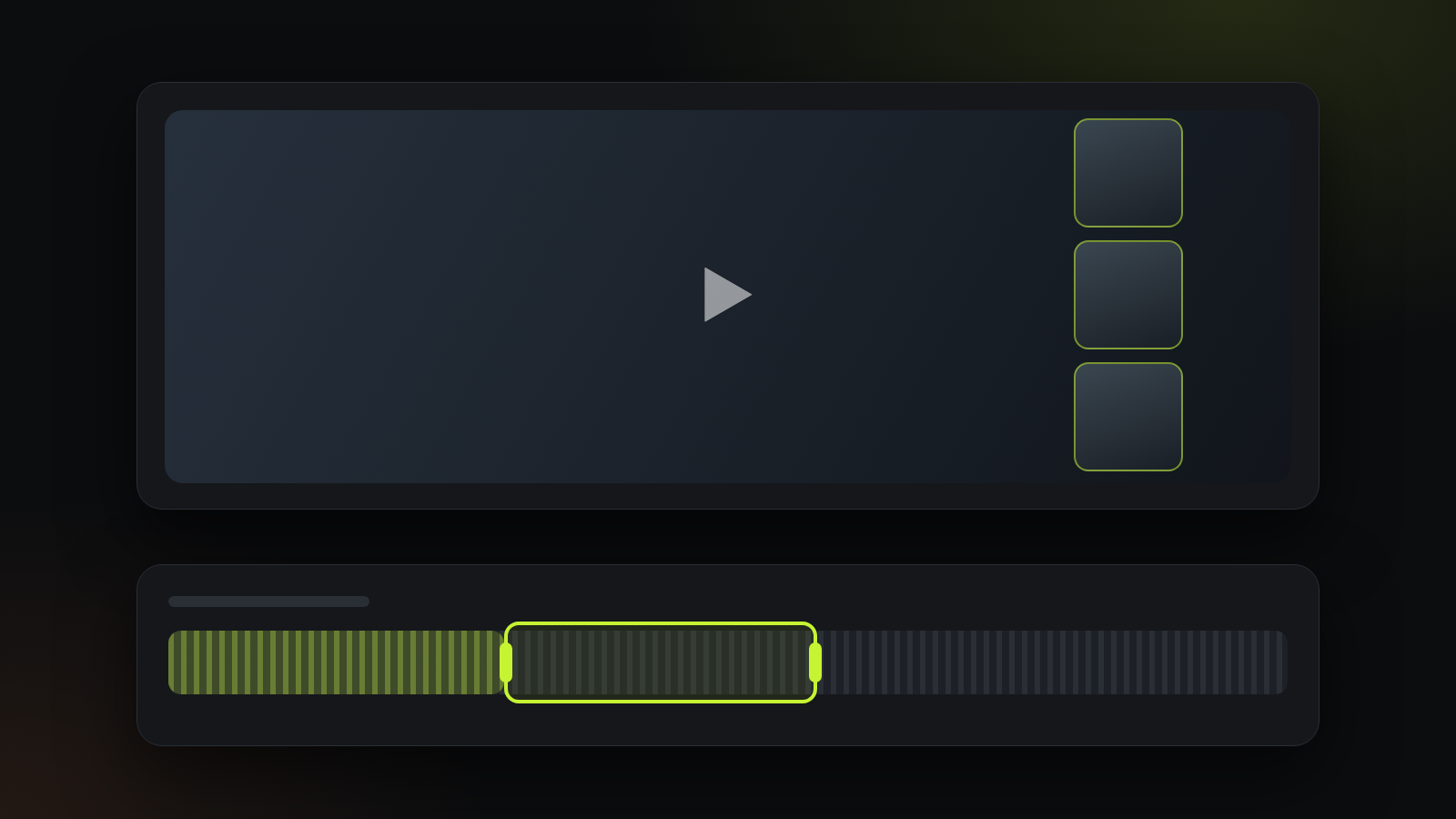
- You can choose which part of a long video to turn into clips and continue with the rest later. This works for uploaded files too.
- You can change a clip's topic right from the clip menu.
- Clip downloads start right away. If a file can't be downloaded, Kutto tells you why.
Spy: see what took off at a glance
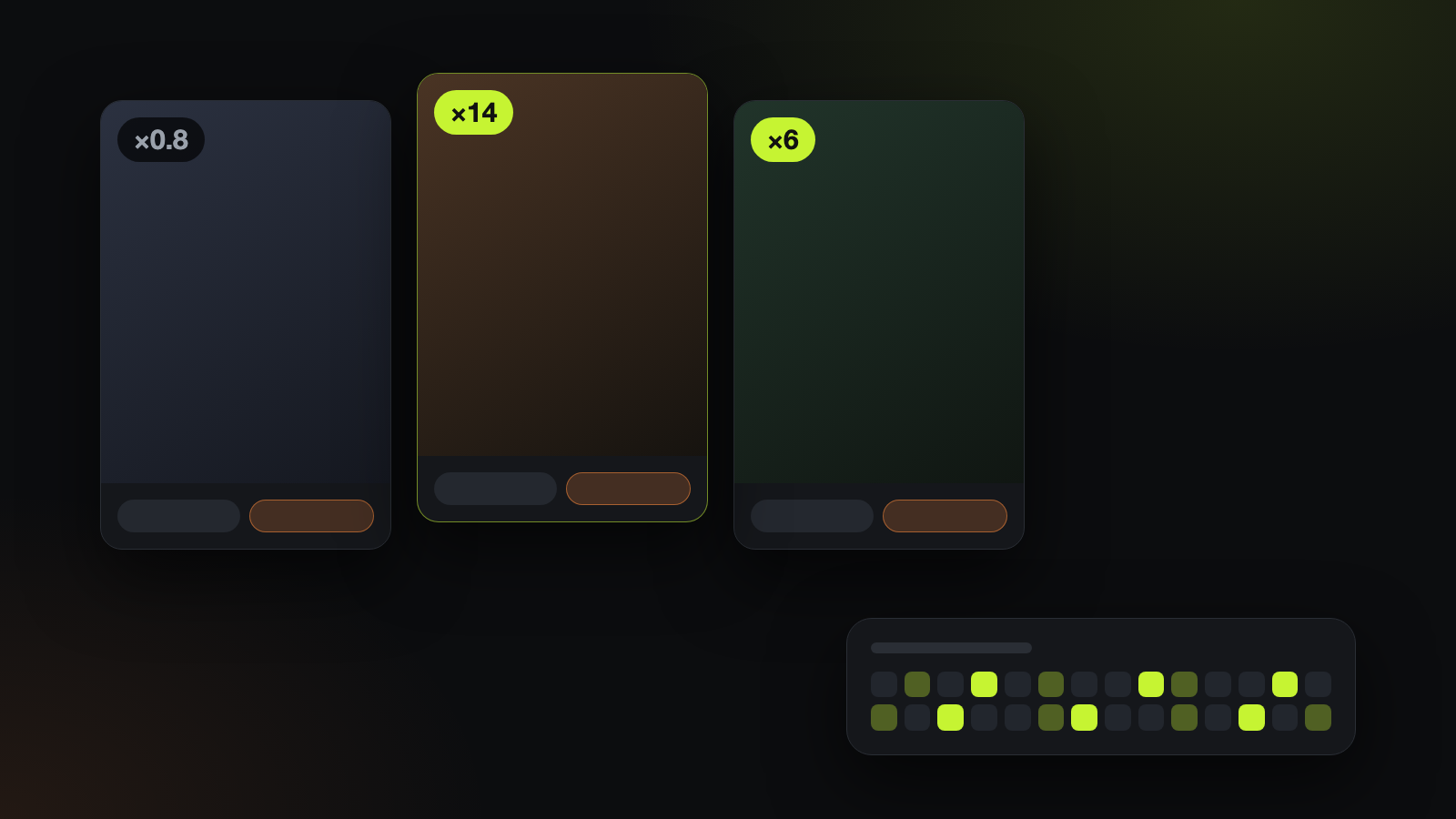
- A post card shows how many times it outperformed the author's usual posts.
- Breakdown and remake start right from the card. The remake runs in the background, and its status shows on the card.
- If a post was already analysed, the breakdown opens in the post window, so you don't pay twice.
- Profile stats now have a posting calendar: when and how often the author posts.
- Instagram posts are analysed the same way as posts from other platforms.
New tools
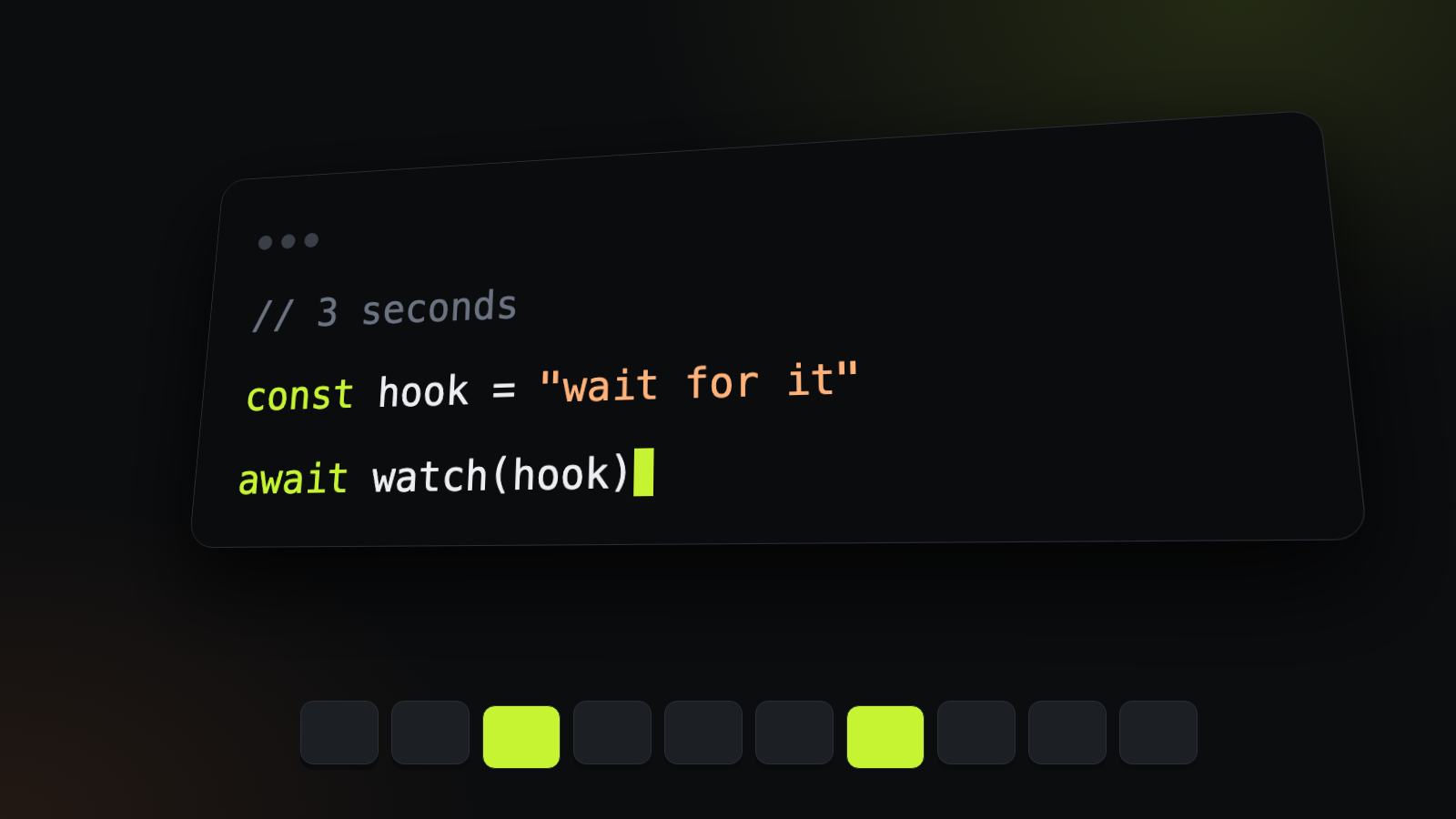
- Typing — an animated hook for the start of a video: code typed in an editor, a messenger chat or an AI chat. You get an MP4 with key sounds or a transparent WebM to put over your video.
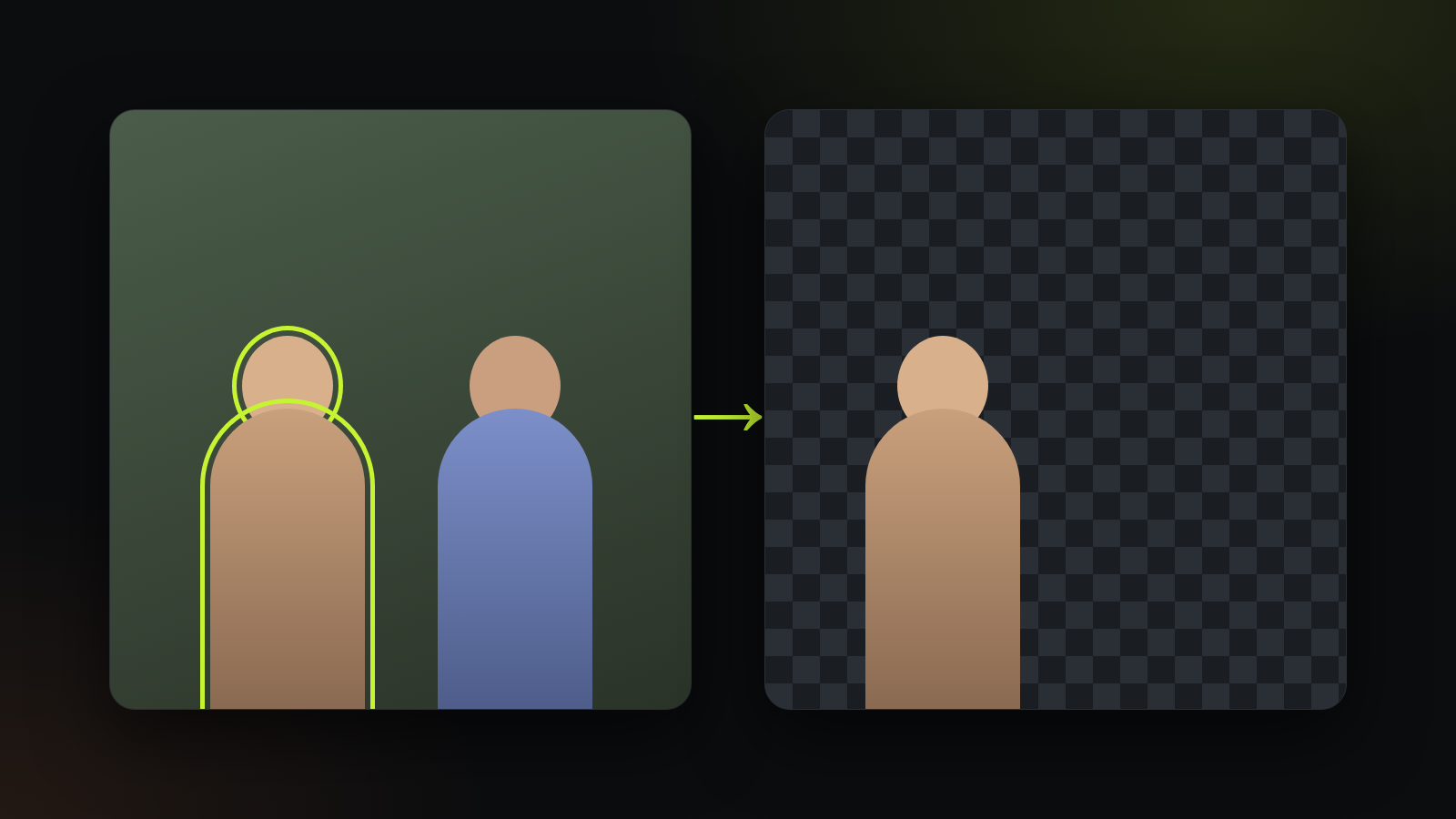
- Background removal for images. If there are several people in the frame, you choose who stays.
Posts and publishing
- Instagram reels can have your own cover. It also becomes the post preview everywhere in Kutto.
- For YouTube you can choose the video visibility.
- For TikTok you set privacy before sending, as TikTok requires. Kutto also keeps track of the daily post limit per account.
- Two new carousel templates: "Thread" turns a Threads or X post into slides, and "News" uses a newspaper style.
- Calendar: the side panel folds away, channels in the filter are grouped by platform, and the Create button sits next to the title.
Interface, team and money
- The sidebar can shrink to icons or stretch wider.
- Workspace invites now arrive as a notification right in Kutto.
- The interface, errors, notifications and the Telegram bot speak your language.
- Checkout now has a promo code field.
- The partner program now has three levels, and you can withdraw your earnings. Non-residents of Russia are paid in USDT.
- Our new address is kutto.ai. Old links keep working.
App 1.4 for iPhone and Android
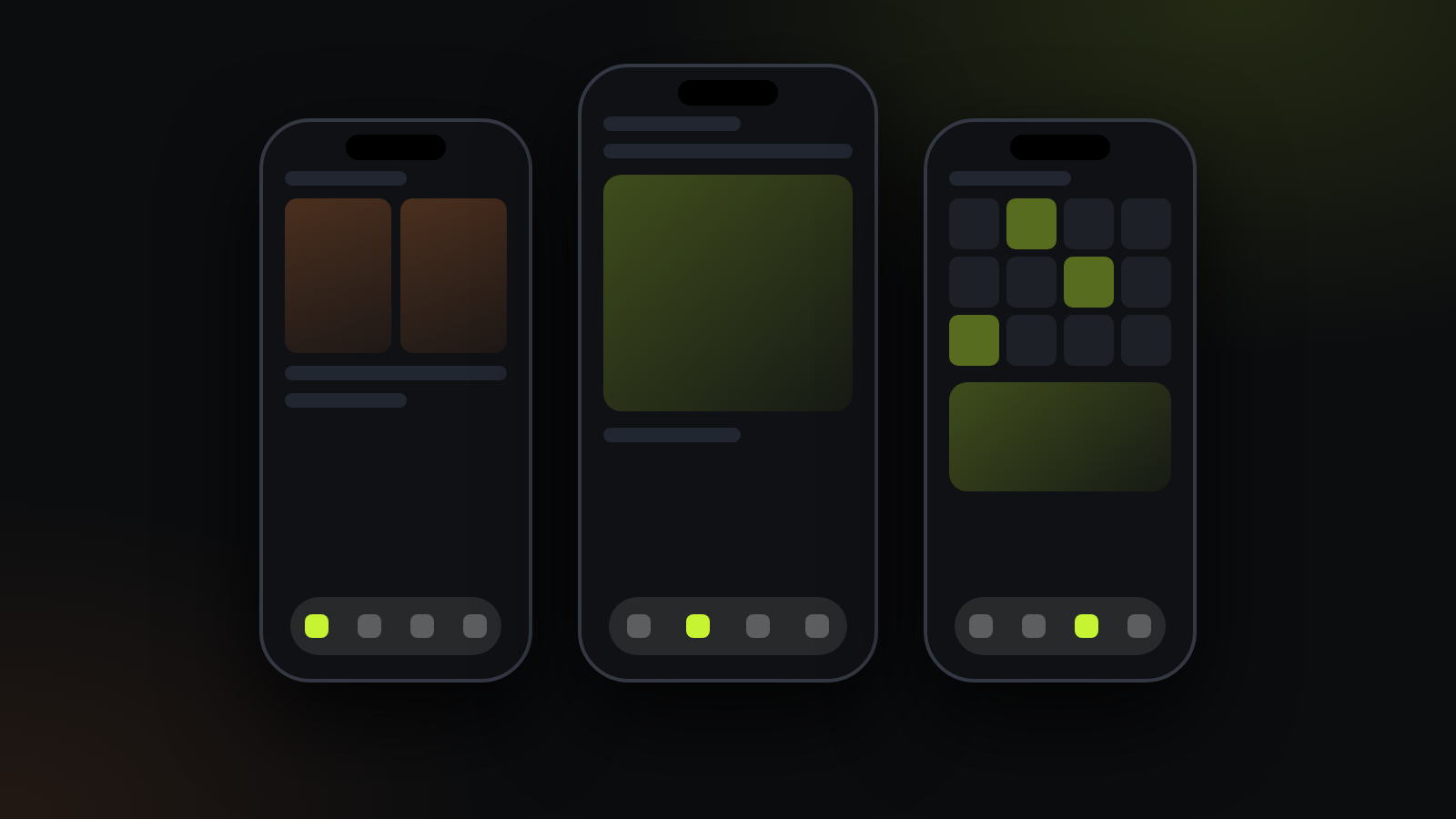
- The app now has almost everything the website has: carousels and slides, the media library, a calendar with drag-and-drop posts, captions and voiceover, tools, Spy with post breakdowns, and notifications.
- You can keep several accounts and sign in with a passkey, no password needed.
- A new bottom tab bar.