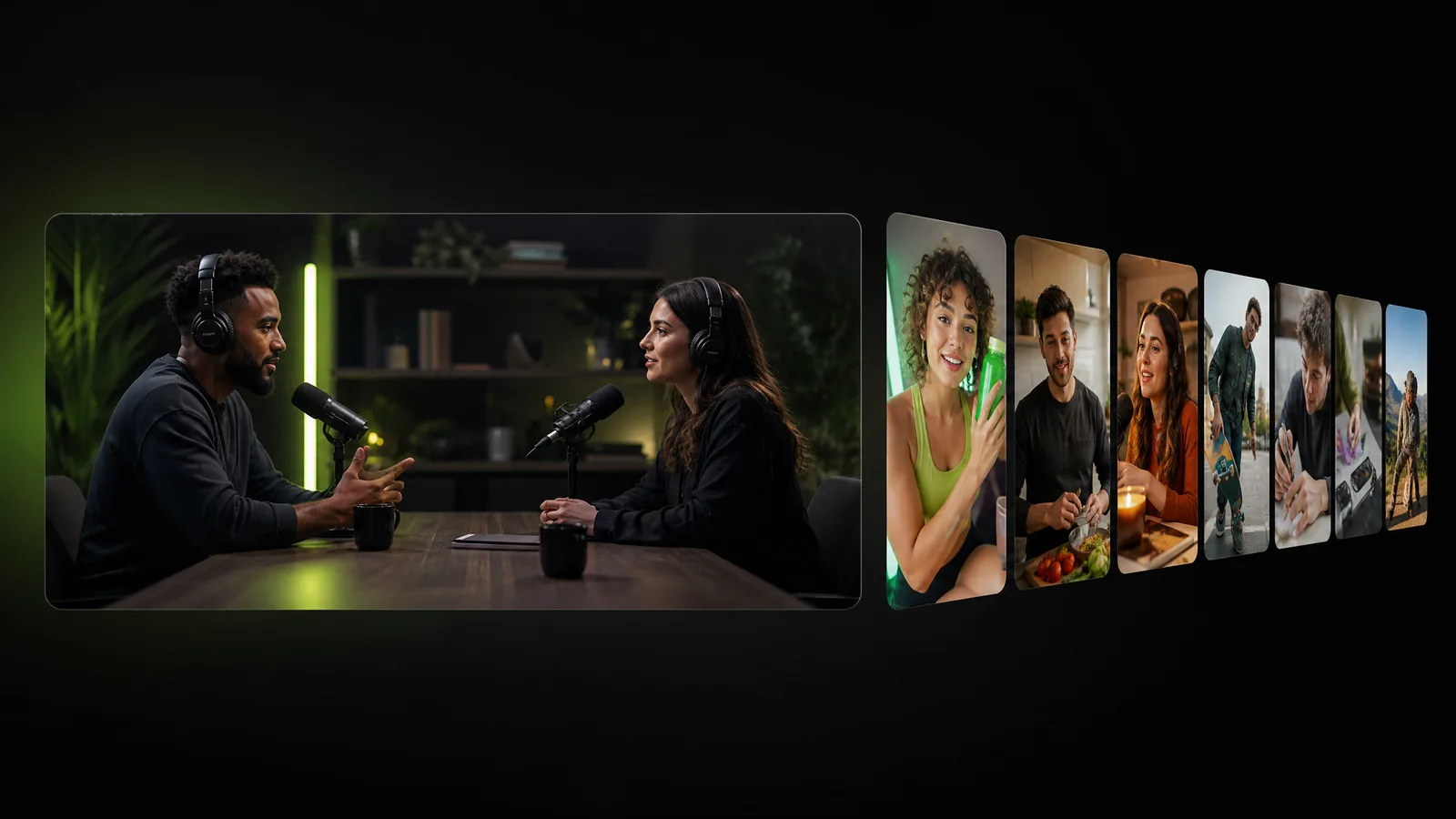
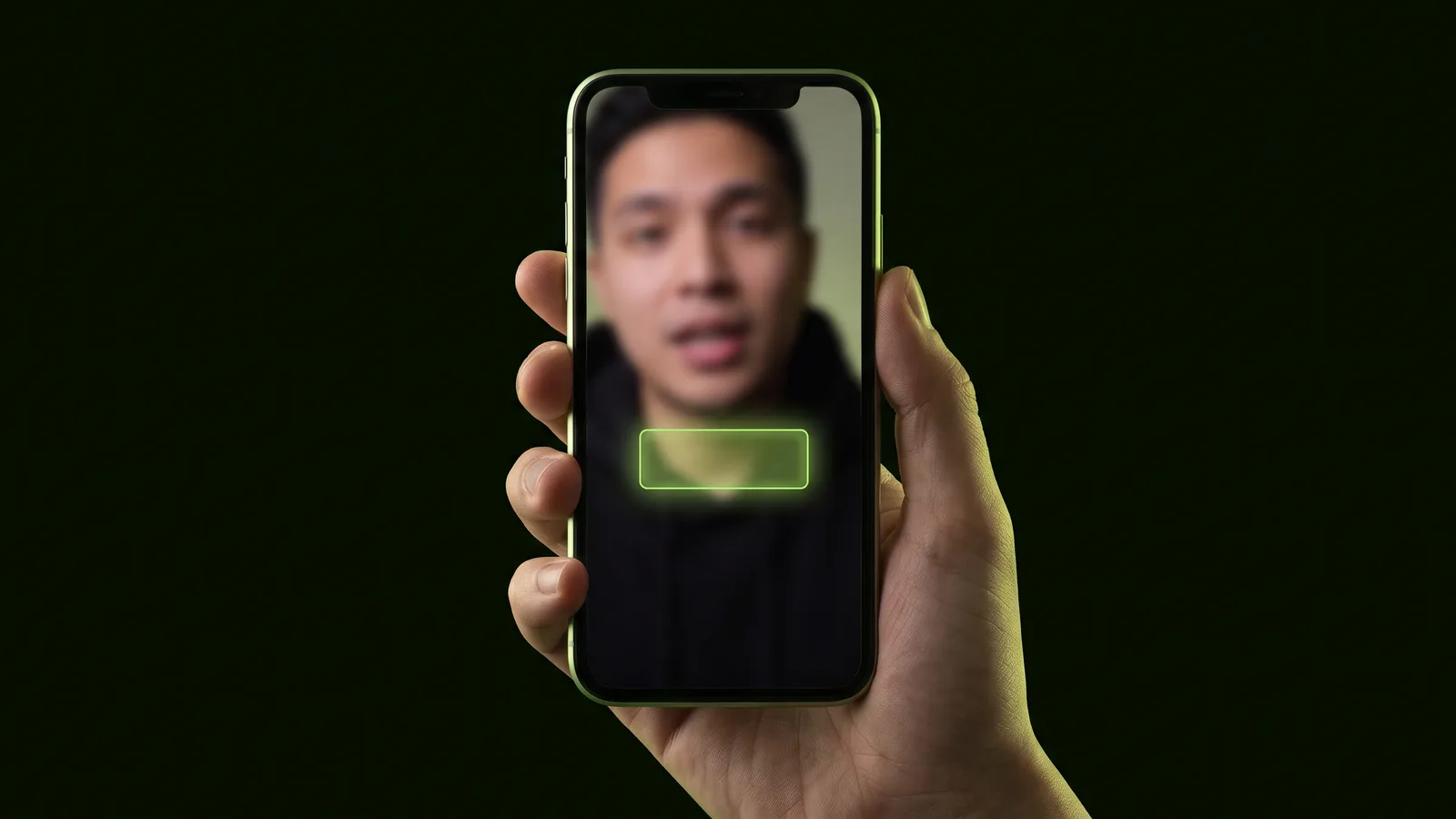
YouTube to Shorts with AI
Paste a long video link and AI shows its 3 best moments, free, no sign-up. The vertical clips with captions come after you sign in: nothing gets cut before that.
- best moments
- 3
- best moments
- no sign-up
- $0
- no sign-up
- runs per hour
- 10
- runs per hour
How it works
What you get, and when
Two steps: the best moments with no account, the finished clips after sign-in.
No sign-up: 3 moments
We read the video’s captions and look for its strongest parts. You get three cards, each with a title, a hook, a score and a timecode. There are no video files at this step.
After sign-in: vertical clips
Studio clips the whole video in full quality, with no watermark, with captions and speaker framing. The project opens on its own, so there’s no need to paste the link again.
The limits
The preview needs captions and looks at the first 10 minutes. You get up to 10 runs an hour per address, and new analyses share one daily limit across all guests. If you hit a limit, the page says so and offers sign-in.
Guide
How to turn a long video into Shorts
AI suggests the moment, you make the call. Here’s what to check before you post a clip.
Start with the right video
Talking videos cut best: podcasts, interviews, breakdowns, lessons. They’re full of complete thoughts that make sense away from the rest of the video.
Test the moment out of context
A Shorts viewer never saw the start. Watch the part like a stranger would: is it clear what’s going on, and does the thought actually finish?
- The first line hooks on its own
- It’s clear who and what this is about
- The thought ends instead of cutting off
Give the clip a title
The title and the hook decide whether a viewer stops. Use the hook on the moment card as a draft, then try our free hook and Shorts title generators, linked below.
Only cut what you have rights to
Clip your own videos, or ones the creator has given you permission to use. Without permission, the platform can remove the clip and your channel can get a strike.
Is this a free YouTube to Shorts converter?
Partly, so here’s the exact line. Finding the 3 best moments is free and needs no account. Turning the video into vertical clips happens in Studio after you sign in.
Can I turn a long video into Shorts without signing up?
No. Without an account you get the 3 moments: title, hook, score and timecode. There are no video files at that step, and the vertical clips come after sign-in.
What’s free after I sign in?
Your first week is on Pro: up to 20 free minutes of video for AI analysis and moment search, no card required. After that, your plan applies.
Will there be a watermark?
Clips from Studio have no watermark. Studio cuts the video in full quality, with captions and speaker framing.
Why didn’t AI show any moments?
The free preview works from captions. If a video has none, or it’s private, live or age-restricted, the page tells you the reason. Studio can clip a public video with no captions from its audio after you sign in.
How many times can I try it?
Up to 10 runs an hour per address. There’s also a daily limit on new analyses, shared by all guests. When it runs out, the page says so and offers sign-in, so you can clip the video in Studio.
Which videos work?
Regular YouTube videos with captions. The preview looks for moments in the first 10 minutes. After sign-in, Studio analyzes the whole video.