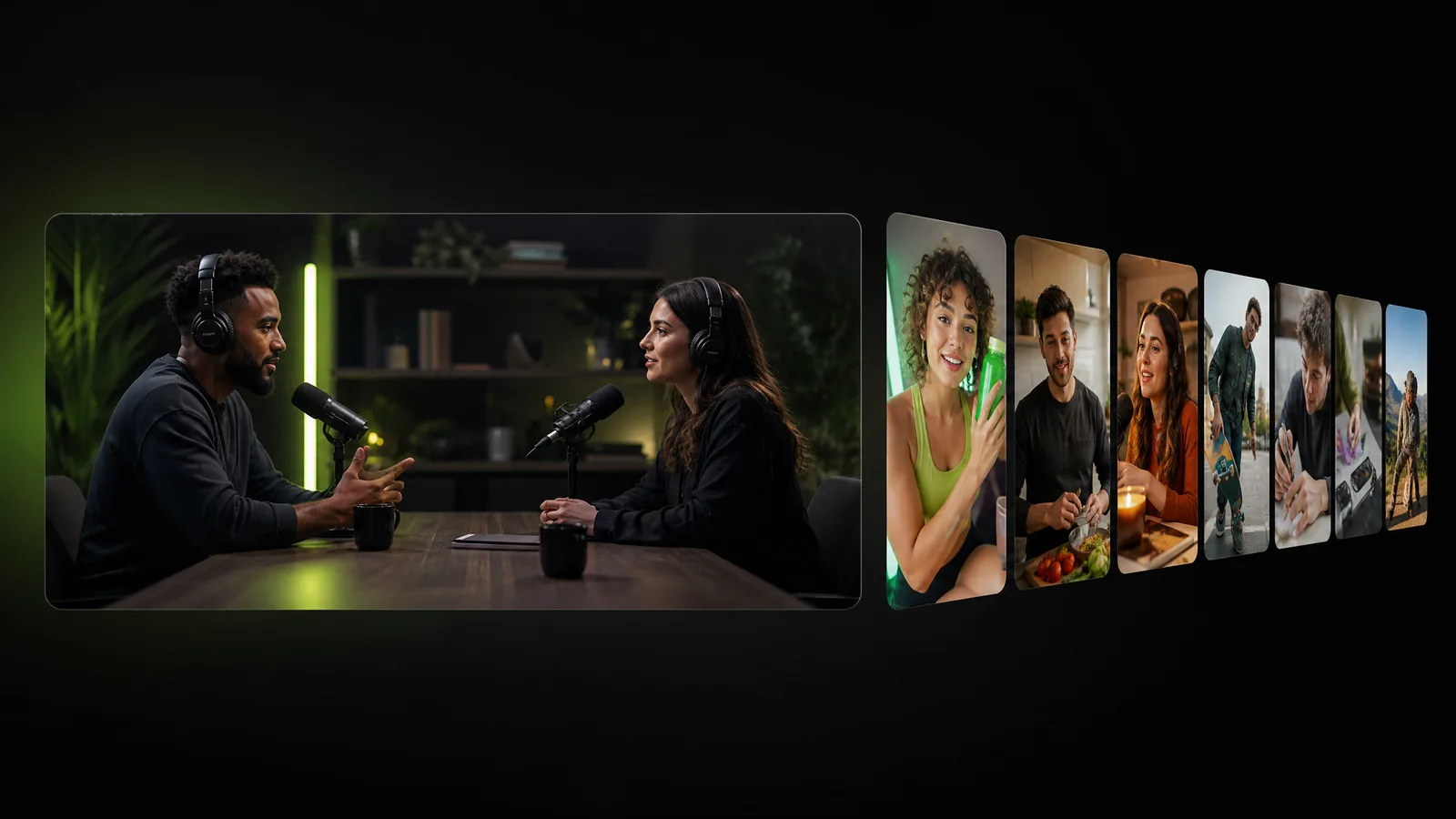
Your 40-minute podcast episode is sitting there, done — and you've got zero Shorts to show for it. You scrub back and forth on the timeline hunting for that one line, trim it, reframe it for vertical, and by clip number five you realize this is going to eat the whole night. Half the cuts come out with the speaker shoved into a corner and captions that lag a beat behind the words. Here's how to turn long videos into Shorts the other way: one link in, up to 10 clips at 9:16 out — with the frame tracking the speaker and word-by-word subtitles already burned in.
In short
- Input: a YouTube (or other supported platform) link, or a file. Output: up to 10 vertical clips at 9:16.
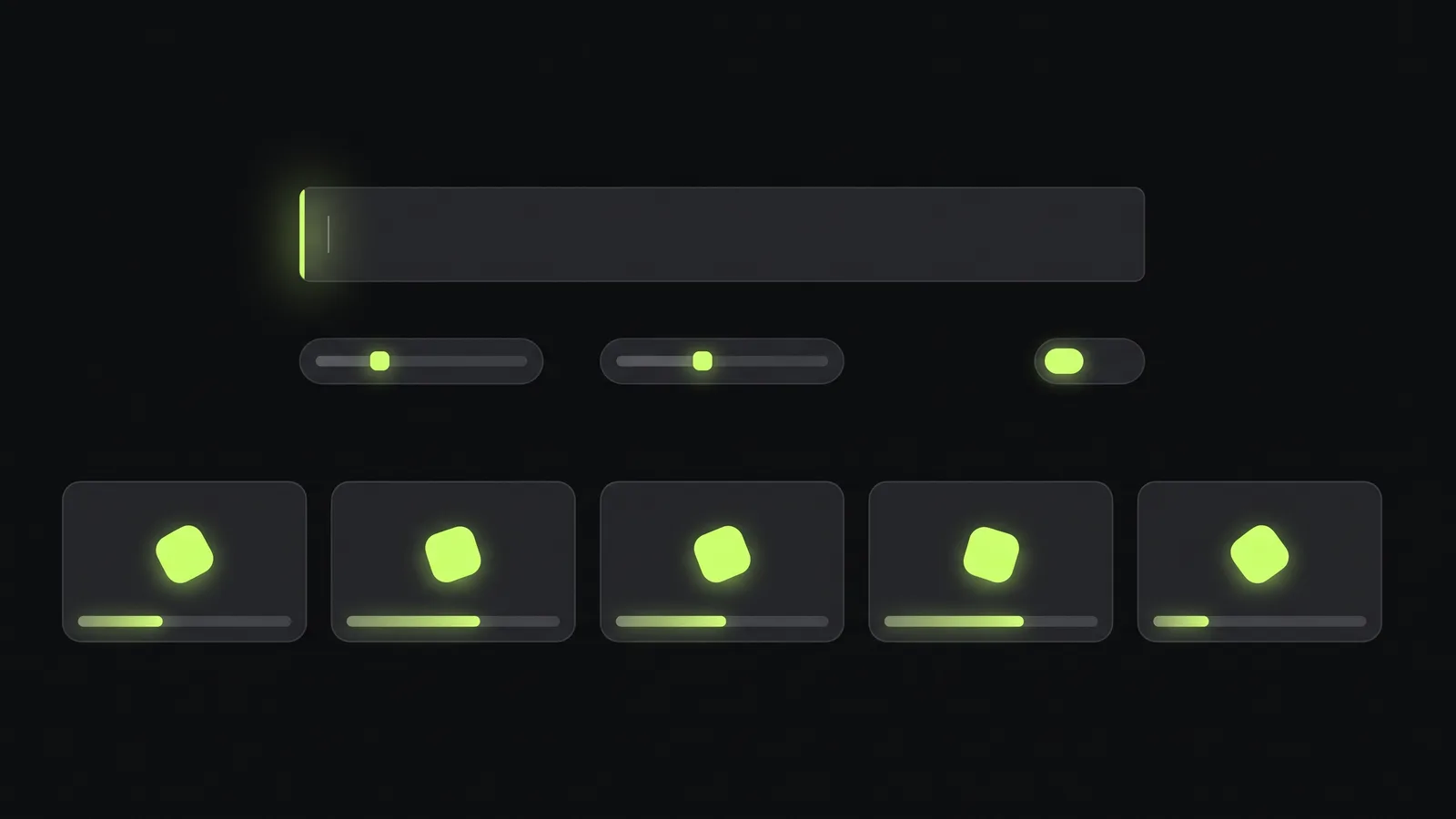
- Three settings: how many clips, max length (up to 30 / 60 / 90 s), subtitles on or off.
- Moments, speaker framing, and subtitles are picked automatically; boundaries and framing stay editable by hand.
- The AI trims at the end of a phrase, not exactly at the length ceiling — so clips don't cut off mid-word.
- Jokes without a setup, flat monologues, and crossfire dialogue are the three cases it predictably misses.
What you'll end up with: 10 vertical clips from one link
The outcome first: you paste a link or drop a file, and you get back a batch of vertical mp4s at 9:16, each with the frame following whoever's talking and karaoke-style subtitles that stay on the words. No timeline, no manual reframing for the first pass.
- Input — a link from YouTube or another platform the downloader supports, or your own file.
- Output — up to 10 clips at 9:16, speaker-framed, with subtitles if you ask for them.
- Three inputs — number of clips, max length (up to 30, 60, or 90 seconds), subtitles on/off.
- Automatic, but editable — moments, framing, and captions are done for you; boundaries and the frame can be fixed by hand afterward.
How do you turn a long video into Shorts, step by step?
- 1
Paste a link or upload a file
In the Clips tool, paste a link to your long video or drop in a file (you can also pull one from your media library). It's the same input the Studio form takes — the tool just presses those buttons for you.
- 2
Set three parameters
Choose how many clips you want, the max length (30, 60, or 90 seconds), and whether you want subtitles. For a podcast, up to 60 seconds with subtitles on is the usual pick — speech on vertical without on-screen text gets watched less.
- 3
Watch the processing stages
You'll see the run move through downloading the video, transcribing the speech, then searching for strong moments. That's where the audio becomes text and the moments get pulled from the transcript.
- 4
Review the picked moments before render
While a clip is still rendering, a stub of the moment holds its place — you can see exactly what got selected and stop the run if it's off. Right before render, the frame is set on the speaker automatically.
- 5
Get the finished 9:16 clips
Out come vertical mp4s with speaker framing and subtitles. Download each one, send it to the composer as a post draft, or open it in the Studio to edit.
One thing worth knowing: the clips you see on the tool page and the clips inside the Studio project are the same clips. Open one in the Studio, nudge a boundary, and the tool page updates to match — there's no second copy drifting out of sync.
How does the AI pick the moments, and why those?
Once the speech is transcribed, the tool takes the highest-scoring moments that fit under your length ceiling. If there aren't enough of those to hit the number of clips you asked for, it tops up with longer moments, trimmed at the end of a transcript phrase so they don't blow past the limit by much.
Near-duplicates get filtered out. If two moments overlap by more than half (measured against the shorter one), only one makes the batch — so you don't end up with three clips of the same beat. And the trim lands on a phrase end, not exactly on the ceiling: a cut mid-word is obvious, a clip two seconds short isn't. If no phrase ends between 60% of the ceiling and the ceiling itself, it cuts at the ceiling so a clip isn't left half the length it should be.
How long should a Short be so people finish it?
There's no single right number, but there is a pattern in Kutto's own published-clip data: shorter clips hold completion higher, while total views don't collapse as clips get longer. Short clips are simply easier to finish, which is why the highest completion sits with clips under 30 seconds. Treat this as a reference point, not a promise — compare it against the retention on your own clips.
Completion and views by clip length
| Clip length | Clips | Median views | Avg. completion | Subs per 1,000 views |
|---|---|---|---|---|
| under 30 s | 5 | 26,915 | 90.4% | 0.2 |
| 31–45 s | 42 | 7,042 | 82.5% | 0.2 |
| 46–60 s | 39 | 9,920 | 81.2% | 0.2 |
| 61–90 s | 62 | 18,481 | 75% | 0.3 |
| over 90 s | 39 | 19,077 | 67.2% | 0.3 |
How do you fix moments and length by hand when the AI misses?
When a moment slides a couple of phrases off, or the frame sits centered on a speaker who's actually off to one side, you don't re-run anything. Hit Open in the Studio — those are the same project clips, with editable boundaries, speaker framing, and subtitles. Because the tool clips and project clips are one and the same, any edit you make in the Studio shows up on the tool page.
What does it cost and how long does it take?
Billing works the same as clipping in the Studio, because the Clips tool is the Studio under the hood: source minutes are reserved from your plan when the project is created, and each clip's render is a separate operation. There's no separate price for the tool itself — you pay in Studio AI minutes. If your plan runs short on minutes, the run offers to buy more hours.
On timing: transcription and moment search take longer on a 40-minute episode than on a short clip — that's expected, not a hang. The free Start plan includes a small monthly quota of AI clipping: 10 minutes of source video per month, exported at 720p with a Kutto watermark. It applies to personal accounts once the sign-up trial has ended; when the quota runs out, you move to a paid plan to keep clipping. For how many Studio AI minutes each paid plan includes and the current prices, see the plans below.
| Plan | Creator | Pro | Agency |
|---|---|---|---|
| Price | $29/mo or $279 a year | $55/mo or $528 a year | $89/mo or $849 a year |
| Video through Studio AI | 8 h of video through Studio AI | 16 h of video through Studio AI | 48 h of video through Studio AI |
| Quality | 1080p, no watermark | 4K, no watermark | 4K, no watermark |
| Clip storage | 14 days | 21 days | 30 days |
| Get Creator | Get Pro | Get Agency |
Where won't auto-clipping work?
The algorithm picks a strong moment by score, but it can't see the context around the clip. That leads to three predictable misses. A joke or punchline without its setup scores high but lands confusing out of context. A flat monologue with no clear peaks gives it few strong spots, so it tops up with long, even cuts that have no hook. And crossfire dialogue with interruptions throws off boundary detection — lines overlap, and the cut lands in the wrong place.
If one good clip needs to go to several accounts, don't post the same file everywhere — run it through the uniquifier to get a batch of copies, each with its own fingerprint, so the platforms don't collapse them into one.
How do you check this on your own video?
Don't take any of this on faith — run your own episode and compare the picks against your timeline. Take a recording in the 20–60 minute range, ask for 3 clips up to 60 seconds, and turn subtitles on. That walks you through the whole path and shows whether the auto-pick lands on the spots you'd call strong in your material.
- Start a 20–60 minute episode: 3 clips, up to 60 s, subtitles on.
- Follow the stages — downloading → transcribing → finding strong moments — then the moment stubs, then the finished 9:16s with subtitles.
- Compare the picked moments against your own sense of the strong spots.
- Pre-publish check: frame on the speaker, subtitles match the speech, boundaries don't break a phrase, length fits the platform.
Which Kutto tools do this job?
Three tools cover this task. Clips turns a link or file into a batch of 9:16 verticals in one step. Subtitles adds word-by-word captions via forced alignment (most accurate for English and Russian), and the Studio can auto-bleep profanity. The uniquifier turns one clip into a batch of fingerprinted copies so a winning cut can go to several accounts without being flagged as duplicates.
If the episode is long and you've got no time to hand-tune, start with Clips: get a rough batch, pick the two or three strongest, and finish those in the Studio. That way your plan minutes go only toward what actually ships.
How do you turn long videos into Shorts automatically?
Paste a link to a long video in the Clips tool, set the number of clips, the max length, and subtitles, and you get back vertical 9:16 clips with the frame on the speaker. Moments, framing, and subtitles are automatic; boundaries can be fixed in the Studio.
How do you make Shorts from a long YouTube video by link?
A YouTube link (or another supported platform, or a file) works as the input. Paste the link, pick your settings, and wait for the stages — downloading, transcribing, finding strong moments — then you get up to 10 clips at 9:16.
How do you turn a podcast into clips?
Give it a link or file of the episode, set up to 60 seconds, and turn subtitles on. The tool transcribes the speech and picks the strongest moments, trimming overly long ones at the end of a phrase. Moments that need their setup are worth adjusting by hand in the Studio.
How long should a Short be so people finish it?
In Kutto's data from 187 published clips of our own channels (snapshot of 2026-11-03), shorter clips hold completion higher — under 30 s at 90.4%, 31–60 s around 81–82%, over 90 s at 67.2%. But views behave differently across lengths, so there's no single right number — compare against your own clips' completion.
How do you find the best moments for Shorts?
The algorithm takes the highest-scoring moments that fit your length and skips near-duplicates. Jokes without a setup, flat monologues, and crossfire dialogue are the cases it misses, so pick those by hand against your timeline in the Studio.
Which AI tool cuts long videos into Shorts, and how does it find moments?
In Kutto, the Clips tool handles it on top of a Studio project: the speech becomes text, strong moments are pulled from the transcript, and overly long ones are trimmed at a phrase end. If there aren't enough that fit the length, it tops up with longer moments.
Can you turn long videos into Shorts for free?
Yes, in a limited way. The free Start plan includes 10 minutes of AI clipping per month (720p, with a Kutto watermark) for personal accounts once the sign-up trial has ended. For more minutes, higher quality, or the other AI tools, you need a paid plan — see current prices on the pricing page.
Clips from long videos
Get 10 9:16 clips from your link
Paste a link to a long video — Kutto finds the strong moments, frames the speaker, and burns in subtitles. Fix boundaries and framing in the Studio afterward.
Start clippingSources
Explore this article with AI
A chat opens with a ready-made prompt — you send it yourself.