The video is edited, uploaded, and sitting in drafts — but the thumbnail is still a random frame pulled off the timeline: tiny text in three lines, a face shoved into a corner, and in the feed it blends into every other tile around it. Learning how to make a YouTube thumbnail that actually earns the click is not about one more tool walkthrough. One video gets clicks, the next one doesn't, and you can't say why — because in the feed the viewer sees the thumbnail first and the video second.
In short
- Text: 3–4 words, one of them larger — say what the title does NOT; long lines vanish in the feed
- One face, one clear emotion; put the text on the free side of the frame, not over the face
- Size: 16:9, at least 640 px wide (1280×720 and up), JPG or PNG — keep important things near center, the corners get covered
- For Shorts and the 9:16 feed, keep text in the middle band: the profile grid crops to roughly 3:4
- Check it in a feed mockup before uploading, not at full size on your monitor
This is written for people who ship thumbnails at scale — production studios, agencies, channel networks, marketers whose thumbnails get made by different hands. So the order comes first: composition and a feed-mockup check before pretty backgrounds, and before you scale. The tools come after the workflow, not instead of it.
Why does the thumbnail decide whether anyone clicks your video?
Same shoot budget, same edit — but in the feed the thumbnail decides whether the video gets opened at all. A timeline frame slapped on as a thumbnail loses on arrival: the text is tiny and stacked in three lines, the face sits off to the side, and the tile reads as noise next to its neighbors. You spend hours on the cut and half a second on the frame that sells it.
The thesis up front: fix composition and run a feed-mockup check before you worry about the background and before you put anything on a pipeline. A thumbnail that reads at full size on your monitor can disappear once it shrinks to a tile and the interface covers its corners — so the decision "does this read" has to be made where the viewer actually sees it.
What text should you put on a thumbnail so people click?
Put on the thumbnail what the title does not say. The title sets the topic; the thumbnail adds one idea or one emotion on top of it. If the thumbnail repeats the title word for word, you've burned half the screen on an echo.
- 3–4 words, with one accented word shown larger than the rest
- Short phrases read on a phone — long lines in the feed simply vanish
- One face with one clear emotion; two emotions on one frame fight each other
- Text on the free side of the frame, not laid over the face
What's the correct YouTube thumbnail size, and where are the safe zones?
Per YouTube Help, a video thumbnail is 16:9, at least 640 px wide (in practice people build 1280×720 and up), in JPG or PNG; up to 2 MB uploaded from the mobile app and up to 50 MB from desktop. For Shorts, Help recommends 9:16. These specs change, so re-check the current YouTube Help page before you upload — treat the numbers here as a starting point, not permanent truth.
For composition the key fact is overlap: the corners and bottom edge get covered by the duration stamp, icons, and UI labels, so keep anything important near the center. In the feed the thumbnail shrinks to a tile — what read cleanly at full size can drop out entirely. Vertical has its own trap: in the 9:16 feed the top and bottom are interface, and the profile grid crops the frame to roughly 3:4, so text in the middle band survives both crops while text in the corners gets clipped.
| Where | Ratio | Size and format | Safe zone for text |
|---|---|---|---|
| YouTube video thumbnail | 16:9 | 640 px wide min (usually 1280×720+), JPG or PNG, up to 2 MB in-app / 50 MB desktop | Center of the frame; corners and bottom are covered by the UI |
| Shorts, 9:16 feed | 9:16 | Vertical, 1080×1920 | Middle band — top and bottom are taken by the interface |
| Profile grid | crops to 3:4 | — | 16–56% of height: clear of the 3:4 crop. Bottom from ~65% goes under the caption and buttons |
How do you build a thumbnail online in a few minutes?
In Kutto the thumbnail generator takes a video topic and, optionally, your own frame or photo, and returns four 16:9 variants for YouTube or 9:16 for Shorts with large, readable text. The four variants differ by layout and font, not by picture: a side column, stickers, a stripe, and an outline. That's the point for a pipeline — one topic, four consistent layouts, no reinventing the frame each time.
- 1
Give a topic or your own frame
Type the video topic. Optionally add a frame from the video or your own photo — then the model doesn't draw a background, it works with your frame.
- 2
Get four variants
The output is four 16:9 or 9:16 thumbnails with large text in different layouts and fonts. The copy is 3–4 words with one accented word.
- 3
The template draws the text, not the image model
If you don't supply your own copy, the model writes the phrases — but the lettering is set by Remotion in a brand font. That's why you don't get garbled letters or glued characters the way image models produce them.
- 4
Your face isn't redrawn
Your frame goes in as the whole background: cropped to fit the text, darkened on the lettering side. The model doesn't touch the face. If face detection is unavailable, the layout is built without face anchoring and the page shows a note that the face wasn't located.
- 5
The variant lands in your media library
The finished thumbnail goes to the media library, and from there one button opens it in the preview check.
On the text specifically: image models misspell lettering, and a single wrong character can't be patched — you regenerate the whole thing for the same money. So the generator lets the template set the words and leaves the model responsible only for a background scene with no lettering. That saves re-rolls and keeps the result predictable when you're running volume.
How do you check a thumbnail in the feed before you publish?
Look at the thumbnail in a feed mockup, not at full size — in the feed it competes with neighbors and is partly covered by the interface. The preview check shows a 16:9 thumbnail in YouTube mockups and a 9:16 frame under the Reels, TikTok, and Shorts interfaces, with safe zones marked. You see where text slips under the duration stamp and icons, and whether it still reads once the tile shrinks. The check runs entirely in the browser and is free.
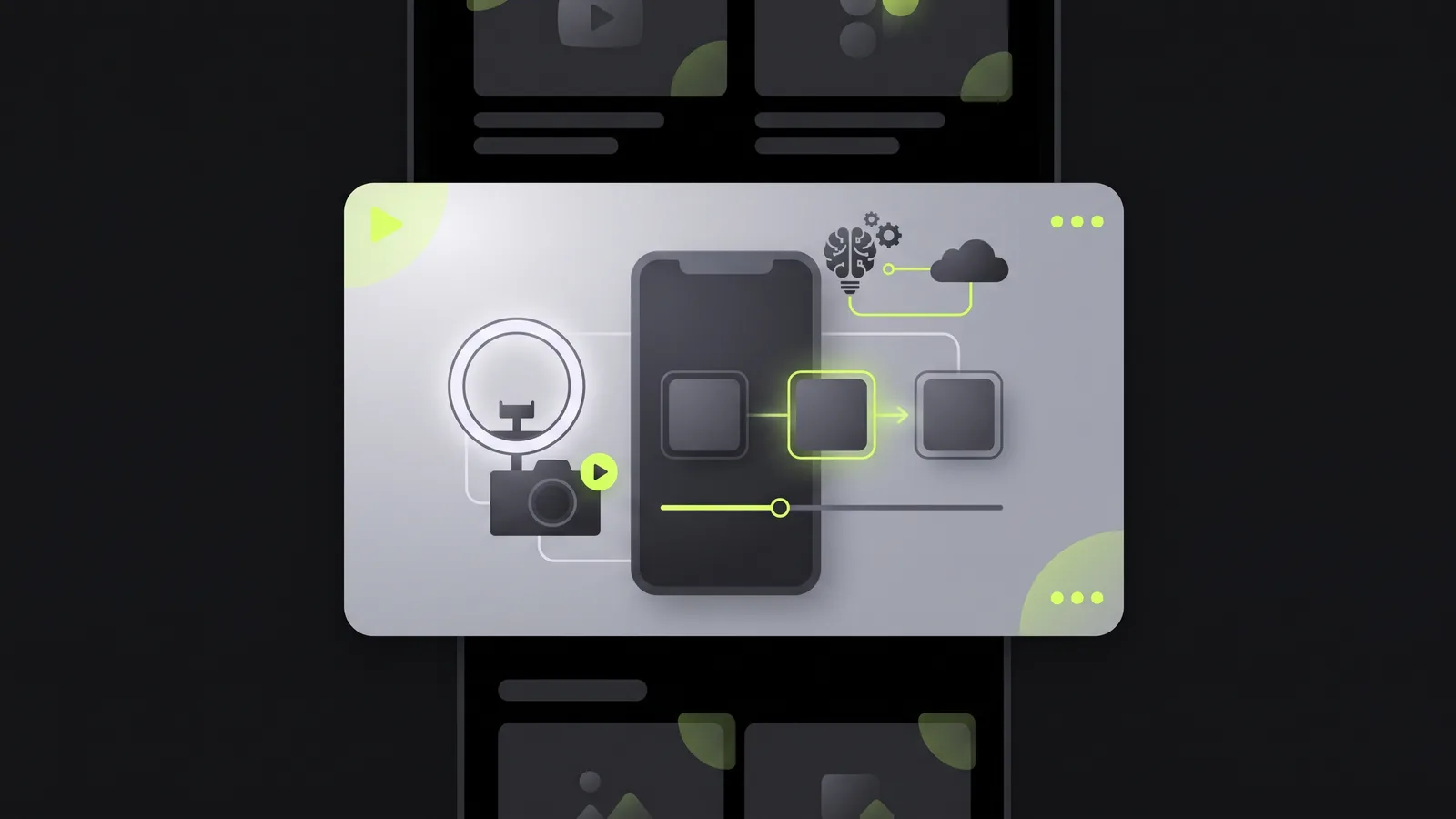
Make the "reads or not" call from the feed view, not from the full-size image on your monitor. Different things survive in a shrunk tile under the interface than on a big screen — and the feed is the only place that matters.
How much does it cost, and how much time does a thumbnail pipeline take?
Generator billing depends on whether the model draws the background or you supply your own frame. Everything is charged from balance and the price is shown on the button before you run it. With your own frame or photo the model doesn't draw a background, so you only pay for the text — cheaper. The preview check is free in the browser. Current plan pricing is on the pricing page.
Here's the math on one channel shipping ~20 thumbnails a month. The three options below are compared on cost, time, and risk — the time is approximate and depends heavily on the operator. The cost column is relative, not a quote.
| Option | Cost | Time per thumbnail | Risk |
|---|---|---|---|
| Editor builds each one by hand in an editor | inside salary | 20–40 min | Style drift, tiny text, timeline-frame thumbnails |
| A dedicated designer | fee per batch | hours for sign-off | Slow and expensive at volume, bottlenecked on their queue |
| Generator + preview check | background from balance (price on the button), check free | minutes for 4 variants | Background scene can miss the topic — needs a re-roll |
Creator — $29/mo · 8 h of video through Studio AIGet Creator
Decision in plain terms: if you ship many thumbnails and different hands make them, build them with the generator from one layout set and check each in the feed mockup — that kills style drift and tiny text, and keeps your designer free for the key videos. If you publish one video a month and have a free designer, the pipeline buys you nothing — do it the way you already do.
Where does a thumbnail not work?
A thumbnail earns the click but doesn't hold the viewer. If the topic and title are weak, a strong thumbnail only widens the gap: the click happens, retention drops, and the platform most likely shows the video less. A thumbnail amplifies a video that already has a reason to exist — it doesn't replace one.
Pulse keeps your YouTube channels' views, retention, and top videos updated on its own. On that data you can see the chain: the thumbnail brings the click, while retention and subscribers show whether the video kept the promise the thumbnail made. The slice below is by video length — average retention falls as length grows, and that's the part a thumbnail doesn't change.
Pulse: video length, retention, and subscribers
| Length | Videos | Median views | Avg. retention | Subscribers |
|---|---|---|---|---|
| under 30 s | 161 | 6,153 | 98.7% | 1,422 |
| 31–45 s | 114 | 6,012 | 83.6% | 720 |
| 46–60 s | 120 | 14,952 | 78% | 1,297 |
| 61–90 s | 139 | 13,438 | 74.2% | 1,490 |
| over 90 s | 102 | 34,055 | 65.3% | 3,232 |
What should you do, and in what order?
What I'd do in your shoes, if you ship many thumbnails and different hands make them. First build one set of layouts with the generator to kill style drift. Then run every thumbnail through the feed preview before publishing, not after. Only then put it on a pipeline and measure in Pulse — the thumbnail brings the click, and retention shows whether the video kept the promise from the preview.
- Thumbnail generator — four 16:9 or 9:16 variants from a topic or your own frame, with large text and no garbled letters
- Preview check — feed mockup and safe zones, fix it before publishing, free in the browser
- Pulse — regular measurement of views and retention on your YouTube channels, so you can see the thumbnail → click → retention chain
Thumbnail generator
Put thumbnails on a pipeline
Build a layout set with the generator, check each one in the feed mockup before publishing, and measure the result in Pulse.
Start with the generatorWhat's the correct YouTube thumbnail size?
16:9, at least 640 px wide (in practice 1280×720 and up), JPG or PNG; up to 2 MB uploaded from a phone and up to 50 MB from desktop. These are YouTube Help's values — re-check the current Help page before uploading, since specs change.
What text should you put on a thumbnail so people click?
3–4 words with one accented word — not a restatement of the title, but something the title doesn't show. Put the text on the free side of the frame, with one face showing one clear emotion.
How do you make a YouTube thumbnail on your phone?
The thumbnail generator and preview check in Kutto run in the browser, so you can open them on a phone: give a topic or a frame, get four variants, and view them in the feed mockup.
Can you make a thumbnail in Canva or CapCut, and how is that different from a generator?
In an editor like Canva or CapCut you build the thumbnail by hand, piece by piece. The thumbnail generator returns four ready layouts with large, correctly rendered text and sends them straight into the feed preview — which is faster at volume.
What's the thumbnail size for Shorts and the 9:16 feed?
YouTube Help recommends 9:16 for Shorts. The top and bottom are taken by the interface and the profile grid crops the frame to roughly 3:4, so keep text in the middle band.
How do you check a thumbnail before uploading?
Open it in the preview check: it shows the thumbnail in YouTube feed mockups and under the Shorts interface with safe zones. The check runs in the browser and is free.
How much does it cost to make a thumbnail in Kutto?
Generation is charged from balance at the price shown on the button before you run it. With your own frame the model doesn't draw a background, so you only pay for the text; the preview check is free. Plan pricing is on the pricing page.
Explore this article with AI
A chat opens with a ready-made prompt — you send it yourself.